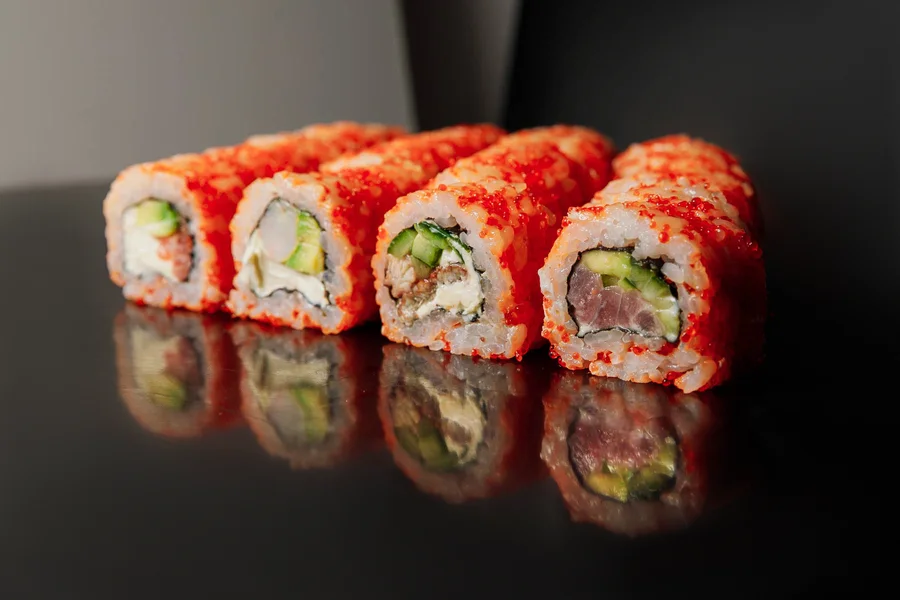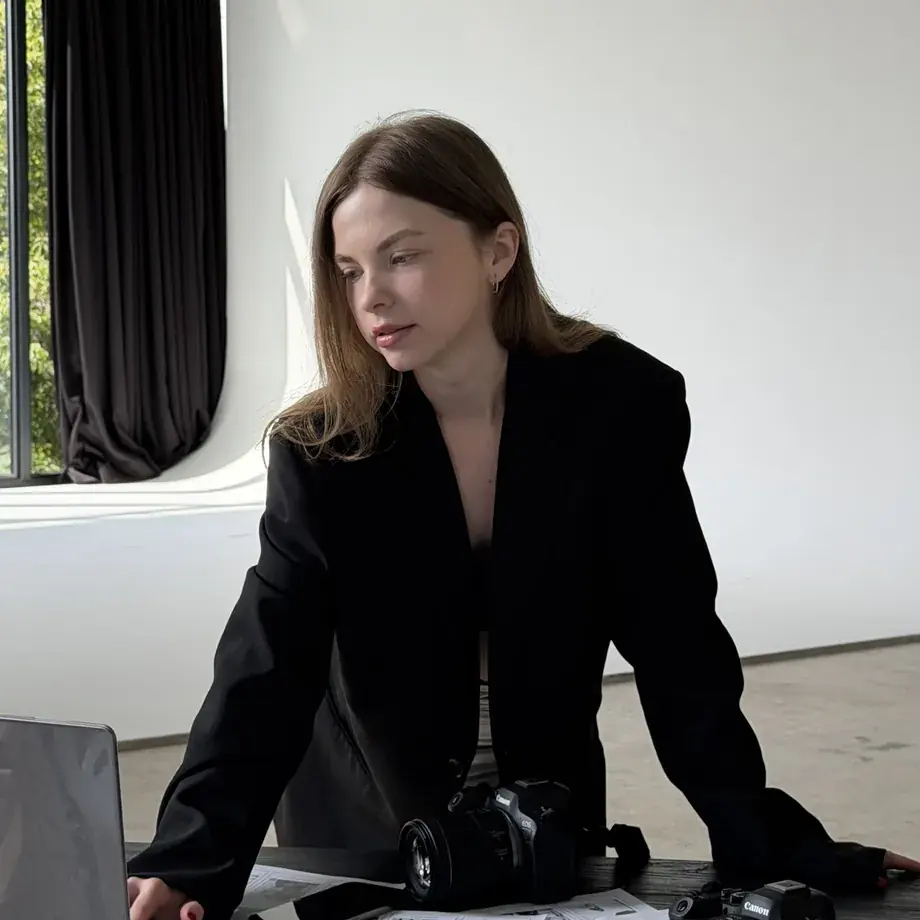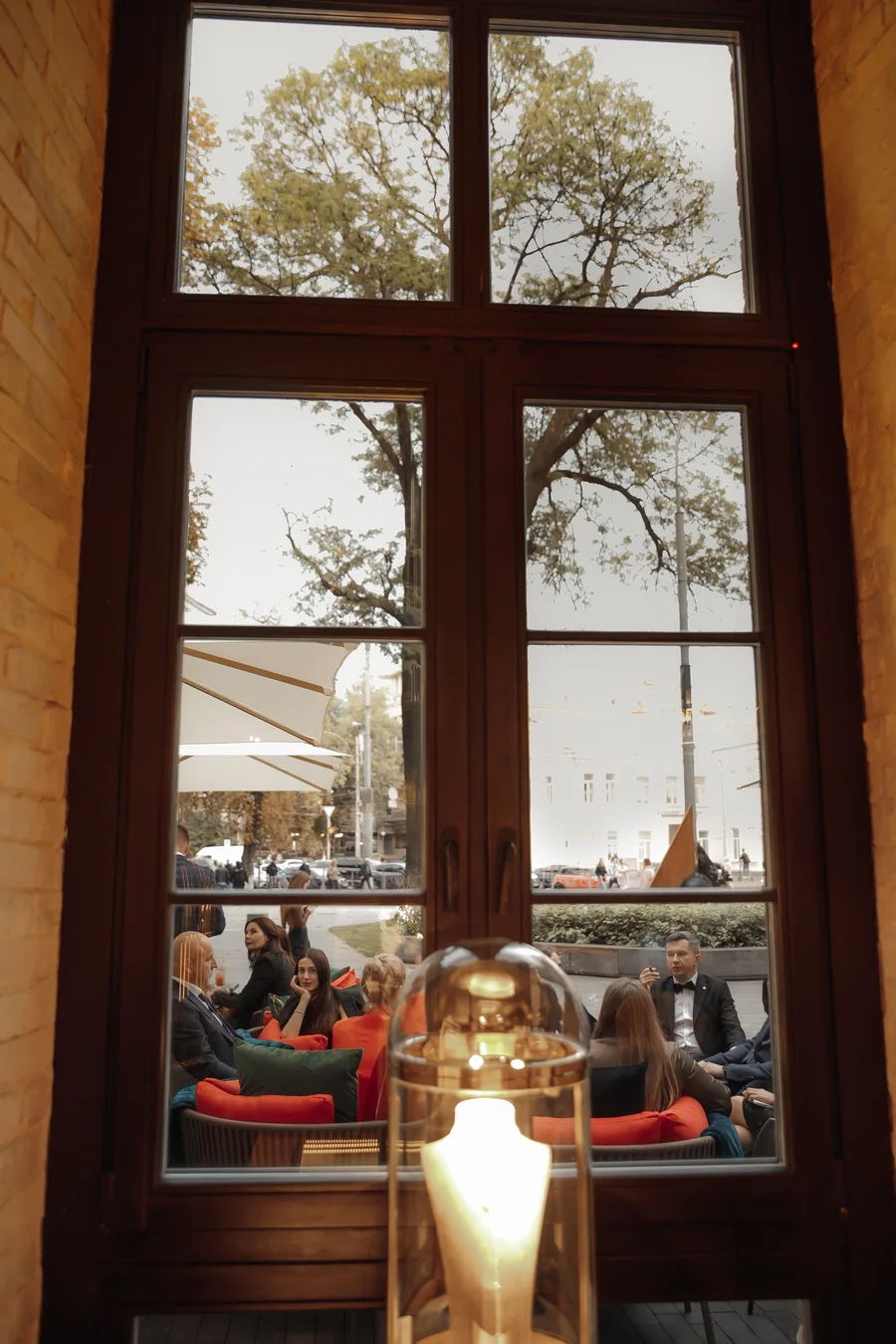
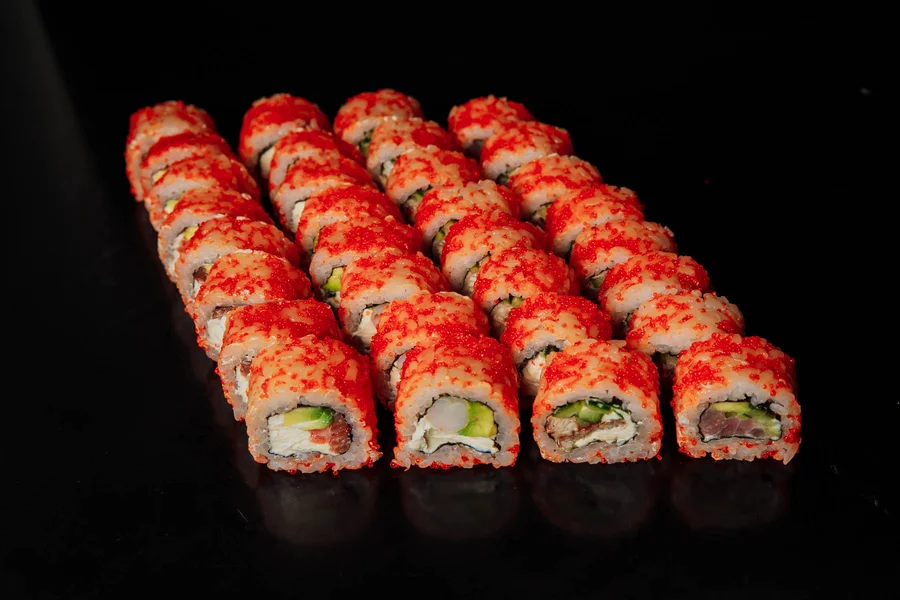
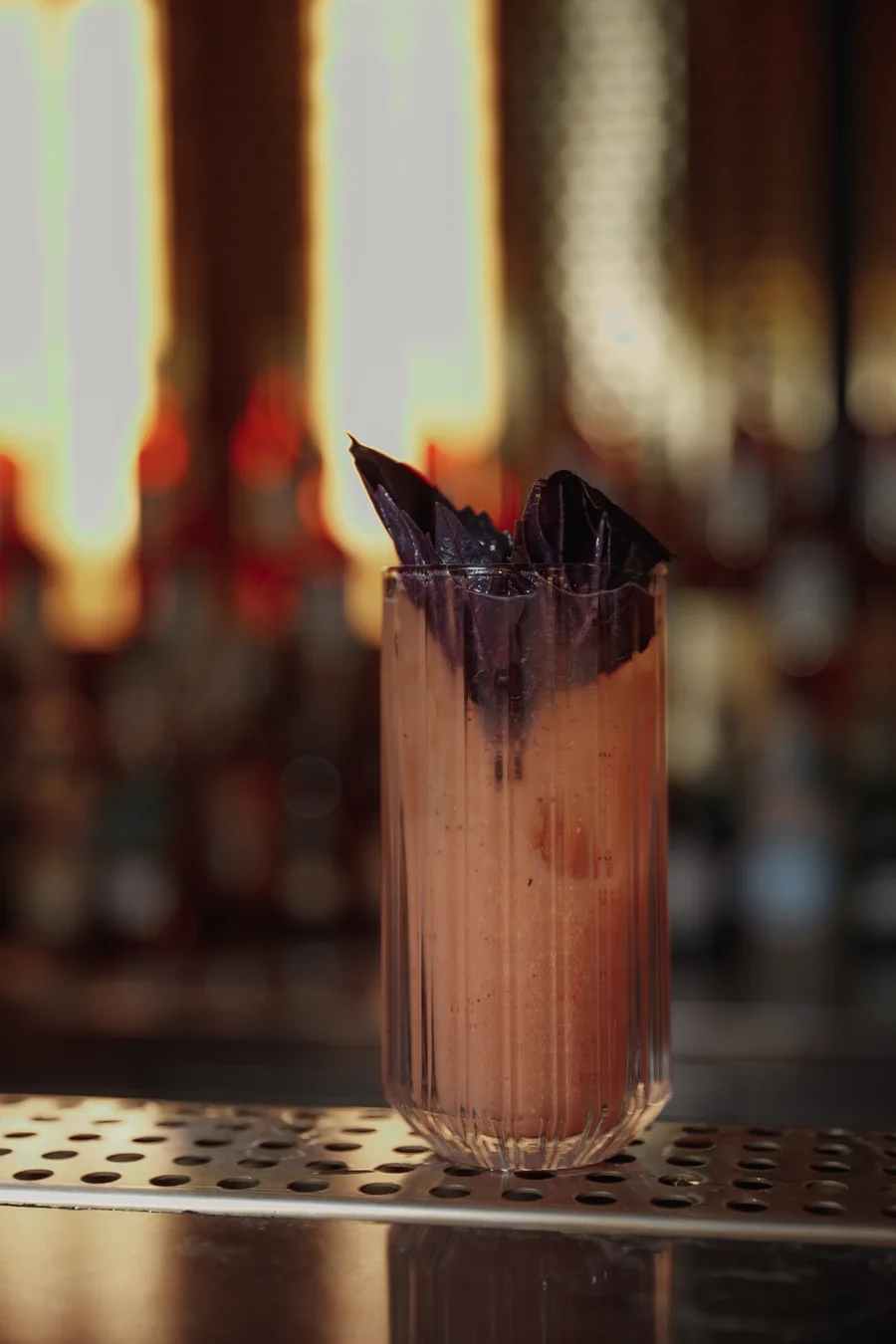
Menu photography is the work of photographing the dishes and drinks on your menu so that each one looks genuinely worth ordering. The photos are used on printed and digital menus, your website, social media and delivery apps. For Toronto restaurants, a good menu shoot is planned around where each photo will be seen.
If you are planning one, our menu photography in Toronto page shows what we offer, and this guide shows how to prepare. <!--F033--> Questions? Message Be an Art on Instagram (@be_an.art). <!--F004-->
How is menu photography different from food and restaurant photography?
The terms overlap, so it helps to separate them:
| Type | What it covers | Where it usually lives |
|---|---|---|
| Menu photography | The dishes and drinks on your menu, as one consistent set | Menus, website, delivery apps |
| Food photography | Any food image, including a single hero shot for a campaign | Ads, social media, press |
| Restaurant photography | The room, the team and the food together | Website, social media, press |
A menu shoot is the most systematic of the three, because every image has to match the others.
Why does a menu photo have to work at a glance?
Nobody studies a menu photo the way they study a painting. A guest scrolls a website, flips through a printed menu or glances at a phone, and the picture either makes them hungry or it does not. We put it this way in our Menu highlight on Instagram: "This isn't just a photo of sushi. It's a decision someone makes in three seconds…" <!--F069-->
A good menu photo answers a few silent questions before the guest asks them. Does this look fresh? Is the portion what I expect? Do I want this tonight?
What goes into a menu shoot?
A menu shoot usually does these things:
- Thinks like a guest, not an archivist. In our words: "Our job isn't to document your menu. Our job is to make people crave it." <!--F071-->
- Treats the menu as a set. Light, angle, background and colour stay consistent, so the menu reads as one brand instead of a collage.
- Chooses hero dishes. Signature plates and bestsellers get extra attention.
- Plans for the place the photo will live. A printed menu, a website, a QR menu, a delivery app and an Instagram feed ask for different crops and formats.
- Works with the kitchen's timing. Hot dishes, melting desserts and drinks with ice all have a short window.
Does every item on the menu need a photo?
Not always. A common approach is to photograph the hero items and leave the rest as text. A few strong photos set the tone, and a page of text-only items can look calmer than a page where every line has a picture. Printed menus often suit fewer photos, while a delivery listing often works better with an image for every dish. Let your goal and your brand decide.
Which angles and shot types does a menu need?
Think of a small set of shots, each with a job:
- Overhead. Shows the whole plate, the layout and the colours.
- 45 degrees. Close to how a guest sees the dish at the table.
- Straight on. Shows height and layers, such as a burger or a cake.
- Detail. Shows texture and makes a dish feel fresh.
- In context. The dish on a table, with a hand or a drink, for social media.
Pick one or two for the whole menu, so the set stays consistent.
How do you decide which dishes are hero dishes?
A hero dish carries the message of the menu. Ask four questions about each item:
- Is it a bestseller or a signature dish?
- Are you promoting it now, as a new or seasonal item?
- Does it photograph well: colour, height, texture, a clear shape?
- Does it show what makes your kitchen different?
Dishes that answer yes to several questions are your heroes. If you cannot choose, start from your goal for the shoot.
Where will the photo live? What to prepare
Different places ask different things of a photo:
| Where the photo will be used | What matters | What to tell the photographer |
|---|---|---|
| Printed menu | A clear dish and a look that holds across the page | Print size and how dishes sit on the page |
| Website | A strong lead image and a consistent set | Which pages and sections will use the photos |
| QR menu | Readable on a small screen | Whether guests see a list or a grid |
| Delivery app | One clear dish that reads at thumbnail size | Which app, and whether packaging should show |
| A look guests recognize, with room for crops | Whether the photos will also feed Reels or ads |
On file formats: ask your menu designer for the print size, and ask for web versions that are compressed so pages load quickly. For delivery listings, see our guide to food photos for delivery apps. <!-- MEDIA-SLOT data-pending="owner-check" file="menu-shoot-hero-dish.webp" alt="Plated dish photographed for a restaurant menu" -->
What changes for a Toronto menu?
Seasonal menus and patio season can change what a Toronto restaurant serves. We suggest planning the shoot after the menu is final, and leaving the seasonal items for a second, smaller session. If you sell through delivery apps, shoot for the apps your guests use.
How does a menu shoot usually go?
Steps differ from shoot to shoot. A typical order is:
- Brief. Write down the goal and where the photos will be used.
- Choosing the hero dishes and the supporting dishes.
- A shot list that matches the places the photos will be used.
- The shoot, scheduled around the kitchen's timing.
- Selection and editing, so the set looks like one menu.
- Delivery of the finished content. <!--F051-->
A menu shoot can also be one part of a larger content day, which can include Reels, menu photography, cocktails and drinks, interior, team portraits and behind the scenes. <!--F046--> Our content day guide explains how to plan around it, and bar and cocktail photography covers the drinks side.
How much does menu photography cost in Toronto?
Pricing is shared on request. <!--F012--> It follows the job. To see how restaurant shoots are priced, read what to ask in a quote.
Checklist: get your menu ready for a photo shoot
- Finalize the dishes and drink list, or say which items may still change
- Mark your hero dishes and bestsellers
- Note what you want to promote: a new item, a seasonal menu, a delivery push
- Confirm that the kitchen can plate each dish the way it is served to guests
- Decide where the photos will be used: print, website, social media, delivery apps
- Prepare plates, glassware or props you want to see, and flag any you would rather avoid
- Agree on a time when the kitchen has capacity to prepare dishes for the camera
- Keep a menu-change log, so photos can be updated when dishes change
Ready to plan your menu shoot?
Want to plan a menu shoot with us? We genuinely like talking about food. Start with the menu shoot details, then message Be an Art on Instagram (@be_an.art). <!--F004--> More guides are in our restaurant guides.
By Anna, Be an Art, a content agency in Toronto. <!--F001 F005-->
Frequently asked questions
What is menu photography?
Menu photography is photographing the dishes and drinks on your menu so that each one looks worth ordering. The photos are used on printed and digital menus, your website, social media and delivery apps.
How is menu photography different from regular food photography?
A menu shoot usually treats the whole menu as one system. The dishes need a consistent look, the hero items need extra attention, and every image has to work where guests will see it.
Does every item on the menu need a photo?
Not always. Many menus photograph the hero items and leave the rest as text. Choose by your goal and your brand: a few strong photos often work better than a photo for every line.
How do I choose hero dishes for a menu shoot?
Start with your bestsellers and signature dishes, then add anything you are promoting now, such as a new or seasonal item. Choose dishes that photograph clearly and show what makes your kitchen different.
How much does menu photography cost in Toronto?
Pricing is shared on request. What usually affects the price is how many dishes and drinks are shot, how much styling they need, where the images will be used and how much editing is required.
Written by Anna · Nov 4, 2026 · 6 min read.